

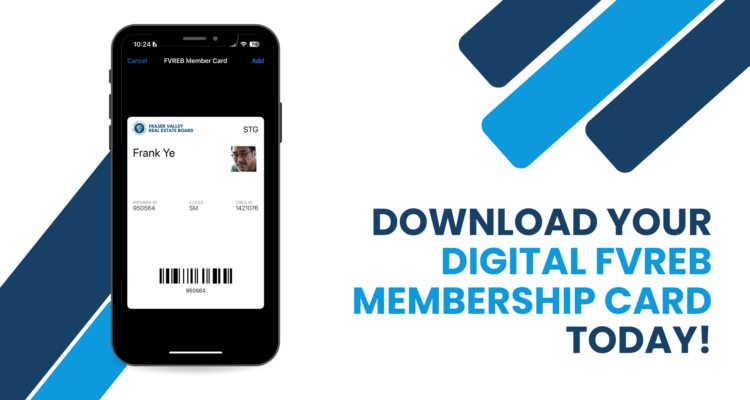
Your FVREB membership card is now easier than ever to access. Through the FVREB Connect app, you can download your digital membership card and store it directly in your Apple or Google Wallet, keeping it securely on your phone and ready whenever you need it.
Whether you’re registering at the upcoming AGM or for an education course, your card is just a tap away. No searching through emails. No digging through your wallet. Just quick, convenient access wherever your work takes you.
Adding your card is simple:
Open the FVREB Connect app → tap My FVREB → select My Member Card → choose Add to Apple Wallet or Add to Google Wallet.
For instructions on where to find your card, watch this video. If you update your membership information such as a new photo or name change, you’ll need to download the updated card from the app and resave it to your digital wallet.
Please note: Due to current Google policies, Android users will not see photos displayed on their digital membership cards. Google is reviewing this limitation, and FVREB will make the necessary updates if policy changes allow photo display in the future.
To access your digital FVREB Membership card, download the FVREB Connect app today, available in both the Apple App Store and Google Play.
FVREB IT