

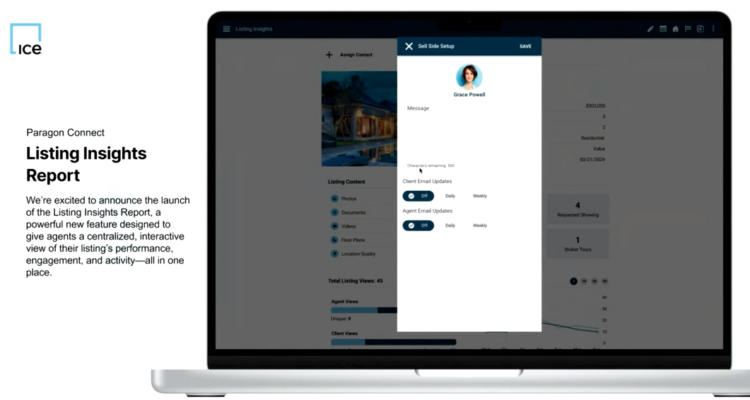
Paragon 13.4 introduces the Listing Insights Report, bringing your listing’s performance, activity, and engagement into one place so you can review, act, and adjust quickly. All of the updates below are covered in one short video.
Assign Contacts and Manage Seller Setup
Assign contacts directly from the report and launch Sell Side Setup to manage notifications and communication preferences, all without leaving the page.
Quick Listing Details and Media Preview
View key listing details and preview the main photo instantly. Jump to the full Media Gallery or Detail Report in one click to review your listing.
Listing Content and Seller Activity Snapshot
See counts for photos, documents, videos, and floor plans at a glance, with quick links to each. Track seller-side activity like days on market, showings, and open houses in one place.
Track Listing Views Over Time
Monitor total listing views with a breakdown of agent vs. client activity, plus a chart showing trends over 7, 14, 30, or 90 days.
Prospect Interest and Saved Searches
Understand buyer interest with counts for favourites, possibles, and rejections. See how often your listing appears in saved searches and follow up through Reverse Prospecting.
Agent Details and Social Activity
Access agent contact details quickly and track how your listing is being shared (emails, comments, and social activity), all in one section.
Property History at a Glance
Review past pricing, sales, and listing changes to better understand how the property has performed over time.
Compare Against the Competition
See similar active listings on a map with quick summaries and photos. Click through to compare details and understand how your listing stacks up.
Stay tuned for more Paragon 13.4 – 13.6 updates!